
Free SoulDeck access for schools, colleges and universities.
SoulDeck is free to educational institutions. Send Jasem Al Neaimi at TridenITS a few details about your institution and how you plan to teach with it. Jasem then confirms access, hosting and support with you directly.
- For
- Schools, colleges and universities
- Access
- Free, arranged directly with Jasem
- Set-up
- Jasem confirms access, hosting and support with you
- Separate
- Training and customisation, on demand for special projects
Teaching with SoulDeck
Build a learning experience from the first explanation to the final assessment. Combine AI-assisted authoring and brand styling with interactive slides, guided labs, live polls and assignments in one browser-based platform.
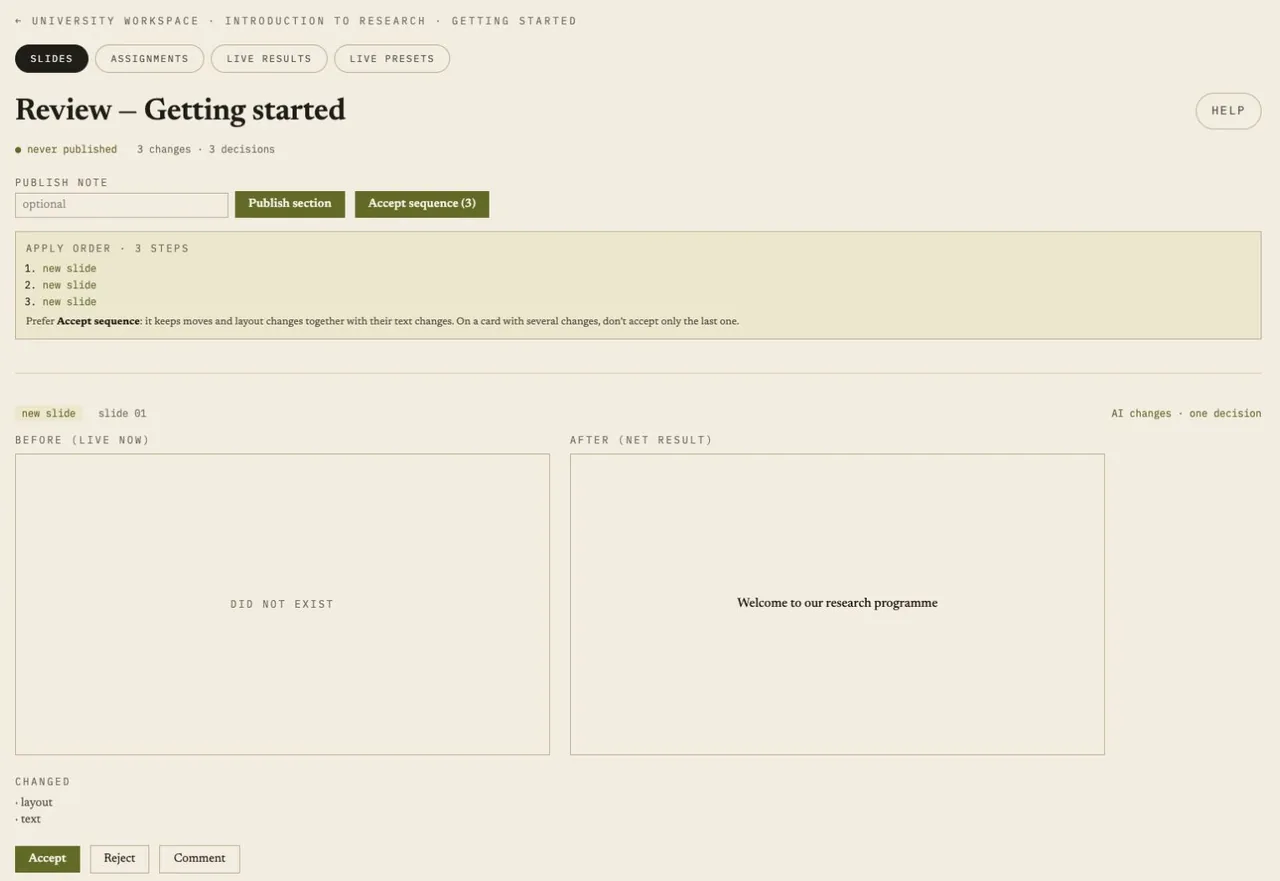
Review before it goes live
Work with AI to develop a presentation, then accept, reject or comment on proposed slides before they go live. Educators retain control of the lesson’s content and direction.
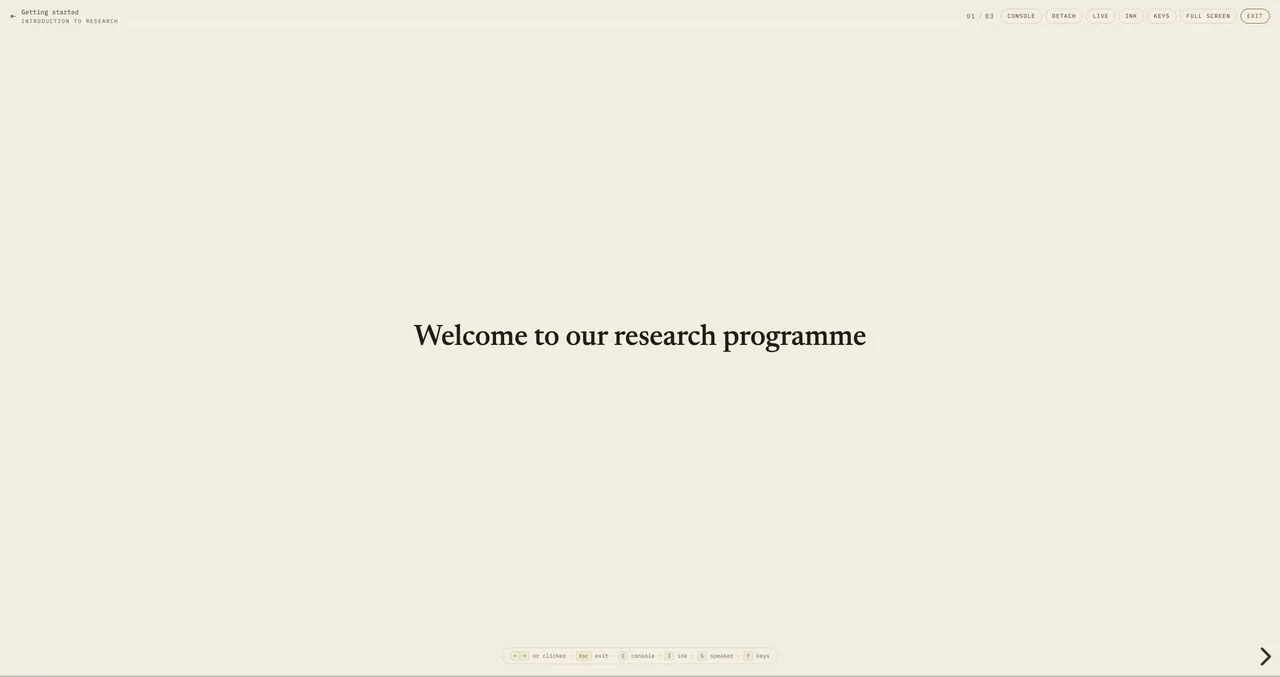
Make the lesson participatory
Present from the browser, reveal ideas step by step and use quizzes and live polls to invite participation. Guide learners through practical exercises, then set assignments and review their work.
Screens from a demonstration deck with fictional content.
What to include in your email
A short email is enough. These three details help Jasem arrange access for your institution.
Your institution
Its name, and whether it is a school, college or university.
Your role
For example teacher, lecturer, or the person who arranges teaching tools.
How you plan to use it
The subjects, courses or training you want to teach with SoulDeck.
Leave out students’ names and other personal details. They are not needed to arrange access.
What happens next
Jasem confirms access, hosting and support with you directly. Your educators then sign in to SoulDeck. Training and customisation for a special project are scoped separately, on demand.
Already use SoulDeck? Sign in
Training or customisation for a special project? Discuss a special project
Ask for free access
Email jneaimi@tridenits.com with your institution, your role and how you plan to use SoulDeck. No mail app? Copy the address and write from any account, with the subject “SoulDeck education access”.